


Busy day? This keeps up. A 600ml slim tumbler with straw, personalised to make it unmistakably theirs. Choose a design, add a name, or upload an image.
We print it in-house for a vibrant finish, then pack it up properly for UK delivery.
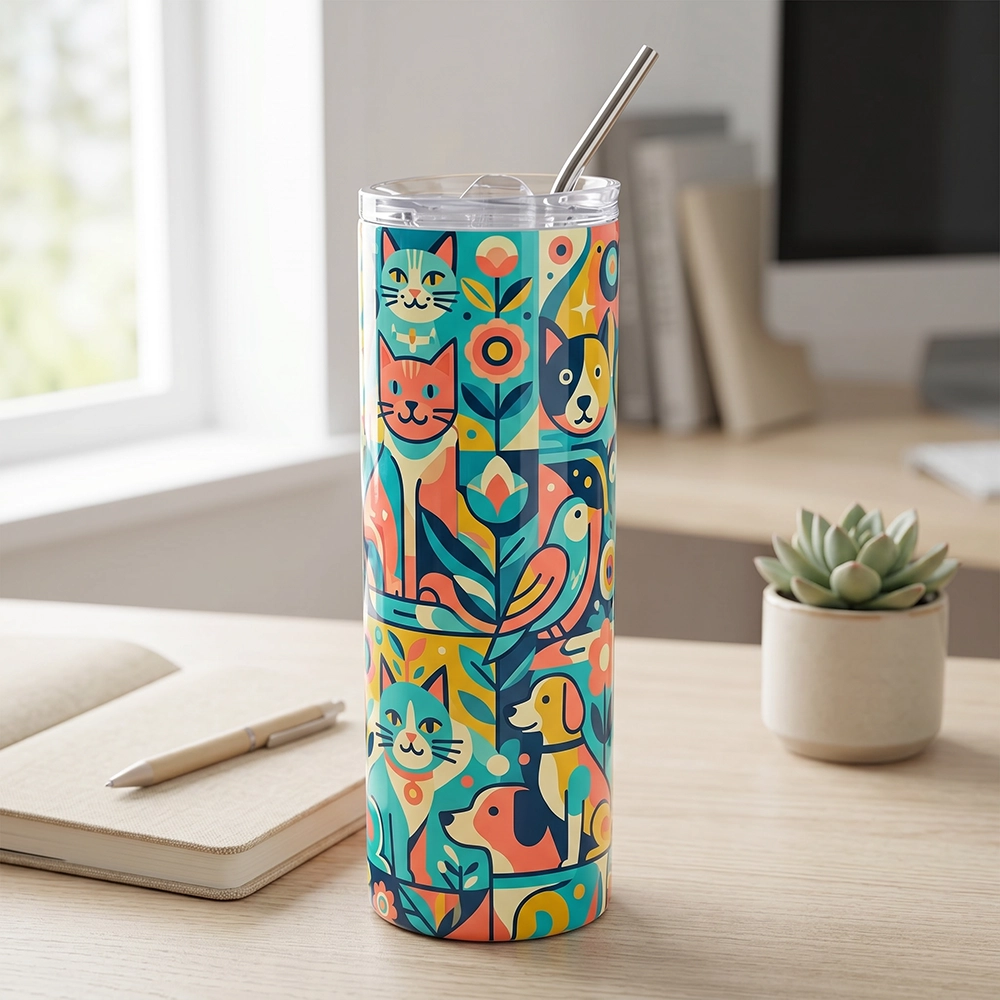
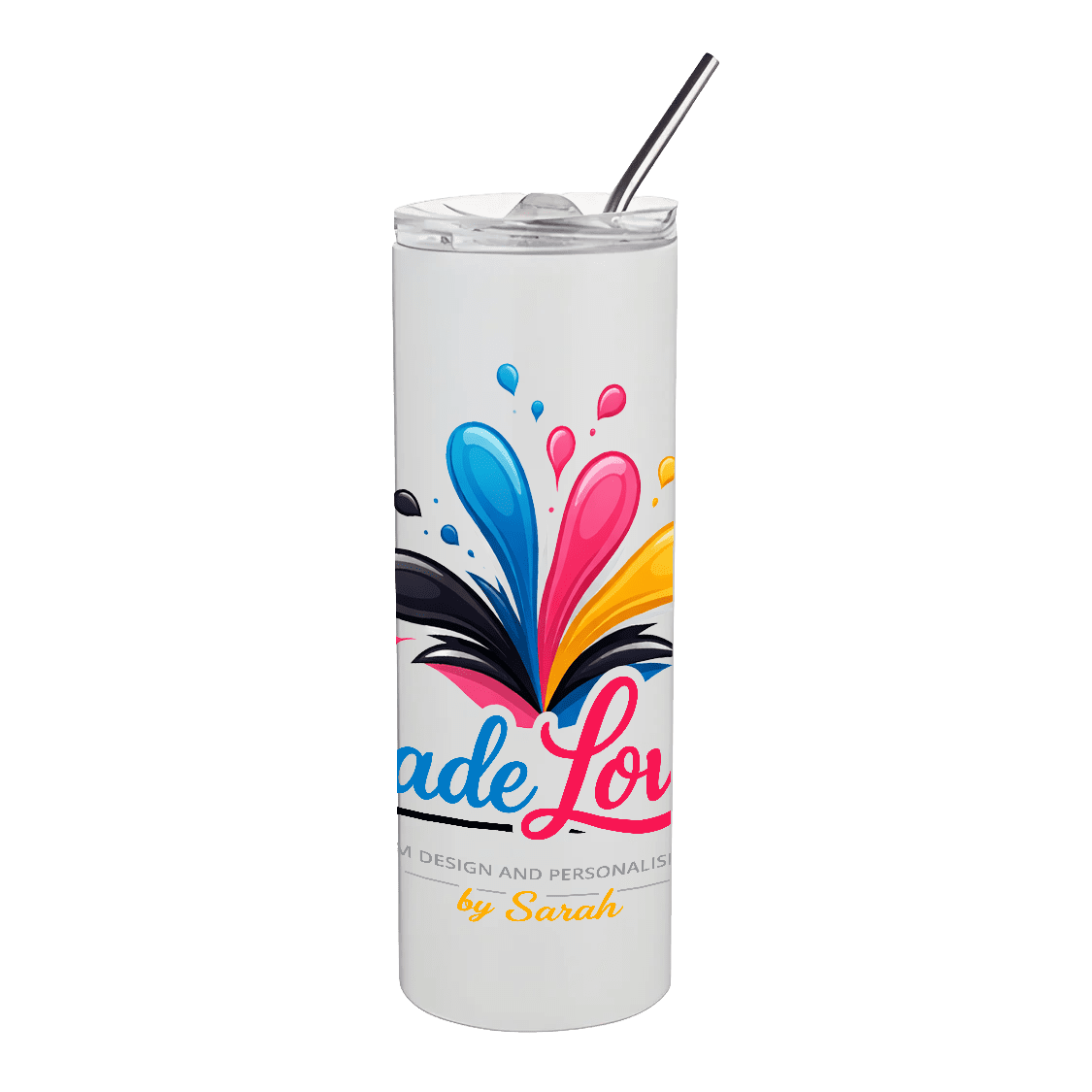
Slim Tumbler 600ml
£18.99 inc. VAT
(Shipping will be calculated on checkout.)A personalised 600ml slim tumbler for easy everyday drinks, whether you are at home, at work or out and about.
How would you like to personalise this?
Choose the simplest option that fits what you want to make.
Choose a design
Pick a category, choose a design, then add it to your basket.
Customise with text
Choose a design first, then personalise the wording in the editor.
Fully customise
Start with a blank product and add your own photos, artwork and text in the editor.
| Capacity | 600ml |
|---|---|
| Finish | Glossy ceramic |
| Sublimation, printed to order in the UK | |
| Care | Dishwasher safe but hand wash recommended to keep colours vivid |
Can I preview my design before checkout?
Yes. You will see a clear preview before you add the personalised item to your basket.
Can I add photos?
Only if you choose the photo upload option.
Please note production can take 7–14 days.
UK delivery only. The following shipping methods can be chosen at checkout:
- 2nd Class
- Tracked 48 hour
- Tracked 24 hour
You will receive confirmation once your purchase has been shipped.
Only logged in customers who have purchased this product may leave a review.
Choose the right option
- Choose a design is the quickest option if you want a ready-made design with no changes.
- Customise with text is best if you want to change the wording on a ready-made template.
- Upload photo is best if you want to add one photo and have it fitted to the product for you.
- Fully customise is best if you want to build your own design with photos, artwork and text.
Choose a design
- Click Choose a design.
- Select a design group such as New Designs, Simple images, or Sarah’s Designs.
- Use the Choose an occasion or theme dropdown to narrow the results if needed.
- Click the magnifying glass to preview a design.
- Click the basket icon on the design you want to use.
- Your chosen design will be added to your basket.
Customise with text
- Click Customise with text.
- Choose a template, then click Use this template.
- The editor will open so you can change the wording.
- Click the text on the design to edit it, then type your own message.
- Move, resize, or rotate the text as needed using the on-screen controls.
- When you are happy, click Add to cart to save your personalised design with your order.
Upload photo
- Click Upload photo.
- Choose a clear photo from your device.
- Move or crop the photo so the important part sits inside the product area.
- Click Use this photo to create your preview.
- Check the preview carefully. On portrait or landscape products, make sure the photo suits the shape before adding it to your basket.
- When you are happy, click Add photo product to basket.
Fully customise
- Click Fully customise.
- Click Open full editor to start with a blank product.
- Use the editor tools to add your own text, photos, or artwork.
- Move, resize, and arrange everything until your design looks right.
- When you are happy, click Add to cart to save your personalised design with your order.
Photo quality (important)
- Use a clear, sharp image. Avoid screenshots, blurry photos, and heavily compressed images.
- Choose a photo that suits the product shape. A portrait photo may not work well on a wide landscape product, and a landscape photo may not work well on a tall portrait product.
- If your image looks pixelated on screen, it is likely to print that way.
- If you are unsure, ask before ordering and Sarah will help where possible.
Related products
-

Water Bottle (750ml, Flip Lid)
£17.99 inc. VAT Select options This product has multiple variants. The options may be chosen on the product pageA personalised 750ml flip lid water bottle for school, work, the gym or anywhere you need a drink within easy reach.
-

Glass Picture Frame Mirror Edge
£19.99 inc. VAT Select options This product has multiple variants. The options may be chosen on the product pageA personalised single mirror edge glass picture frame for photos, messages and keepsakes that matter.
Choose Portrait or Landscape in the designer. -

Ceramic Mug
£9.99 inc. VAT Select options This product has multiple variants. The options may be chosen on the product pageA glossy 11oz / 325ml mug, printed to order with your chosen design, text or photo.
-
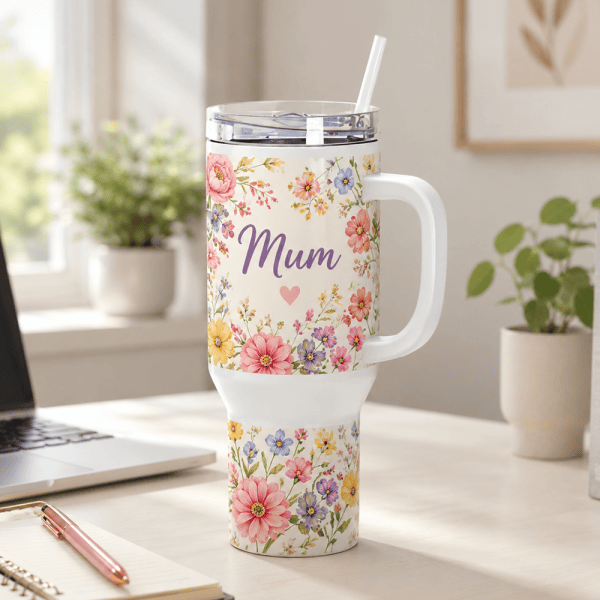
40oz Tumbler
£24.99 inc. VAT Select options This product has multiple variants. The options may be chosen on the product pageA generously sized 40oz stainless-steel tumbler with a comfortable handle, sliding lid and straw. Personalise the glossy white surface with one of my designs, your own wording, a favourite photo or a design you create yourself.
Reviews
There are no reviews yet.