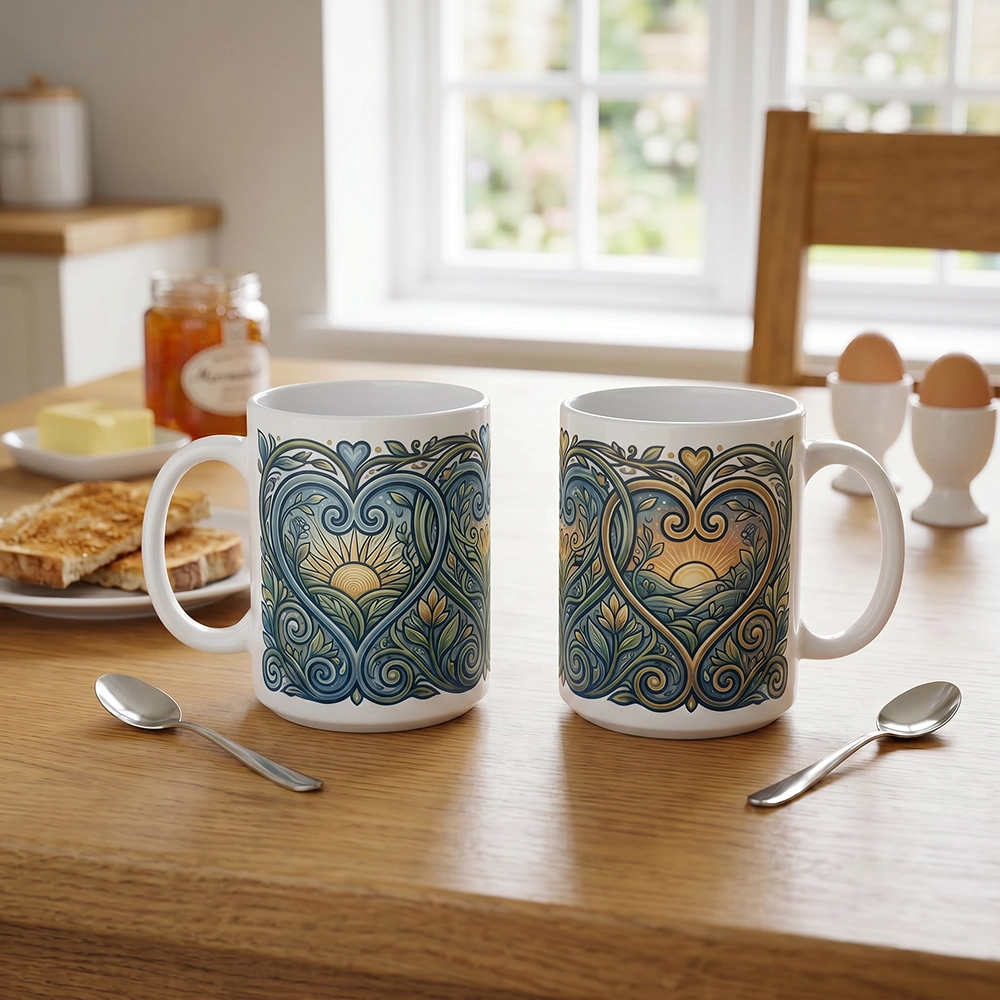
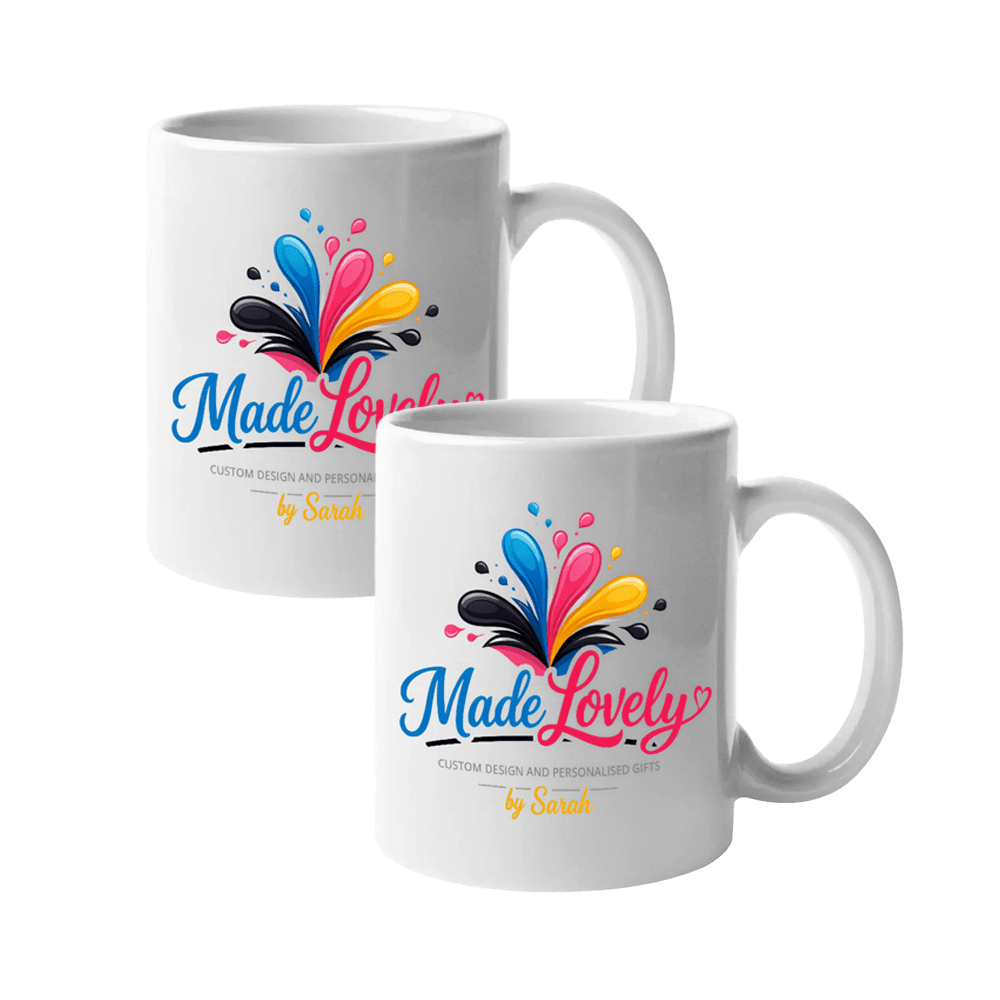
Couples Mug Set

£16.99 inc. VAT

(Shipping will be calculated on checkout.)

A personalised mug gift bundle that keeps gifting simple while still feeling personal, useful and nicely put together.

- +
Personalise

How would you like to personalise this?

Choose the simplest option that fits what you want to make.

Choose a design

Pick a category, choose a design, then add it to your basket.

Customise with text

Choose a design first, personalise it once, and the same design will be printed on both sides of the mug.

Route B for mugs uses one edited design, printed on both sides. Need different designs on each side? Use Fully customise.

Fully customise

Start with a blank product and add your own photos, artwork and text in the editor.

Personalise this couples mug set with your chosen names, dates, wording or designs to create a matching pair that still feels individual. It is a popular choice for weddings, anniversaries, engagements and simple everyday gifts for two.

Printed to order and packed carefully for UK delivery.

A quick note before you start: this set includes one design for both mugs.

Capacity11oz (325ml)
FinishGlossy ceramic
PrintSublimation, printed to order in the UK
CareHand wash recommended to keep colours vivid
Can I preview my design before checkout?

Yes. You will see a clear preview before you add the personalised item to your basket.

Can I add photos?

Only if you choose the photo upload option.

Please note production can take 7–14 days.

UK delivery only. The following shipping methods can be chosen at checkout:

  • 2nd Class
  • Tracked 48 hour
  • Tracked 24 hour

You will receive confirmation once your purchase has been shipped.

Weight: 1.2 kg

Please note these values are for single unit purchases only. Total package weight and dimensions will be shown at checkout.

Reviews

There are no reviews yet.

Only logged in customers who have purchased this product may leave a review.

Choose the right option

  • Choose a design is the quickest option if you want a ready-made design with no changes.
  • Customise with text is best if you want to change the wording on a ready-made template.
  • Upload photo is best if you want to add one photo and have it fitted to the product for you.
  • Fully customise is best if you want to build your own design with photos, artwork and text.

Choose a design

  1. Click Choose a design.
  2. Select a design group such as New Designs, Simple images, or Sarah’s Designs.
  3. Use the Choose an occasion or theme dropdown to narrow the results if needed.
  4. Click the magnifying glass to preview a design.
  5. Click the basket icon on the design you want to use.
  6. Your chosen design will be added to your basket.

Customise with text

  1. Click Customise with text.
  2. Choose a template, then click Use this template.
  3. The editor will open so you can change the wording.
  4. Click the text on the design to edit it, then type your own message.
  5. Move, resize, or rotate the text as needed using the on-screen controls.
  6. When you are happy, click Add to cart to save your personalised design with your order.

Upload photo

  1. Click Upload photo.
  2. Choose a clear photo from your device.
  3. Move or crop the photo so the important part sits inside the product area.
  4. Click Use this photo to create your preview.
  5. Check the preview carefully. On portrait or landscape products, make sure the photo suits the shape before adding it to your basket.
  6. When you are happy, click Add photo product to basket.

Fully customise

  1. Click Fully customise.
  2. Click Open full editor to start with a blank product.
  3. Use the editor tools to add your own text, photos, or artwork.
  4. Move, resize, and arrange everything until your design looks right.
  5. When you are happy, click Add to cart to save your personalised design with your order.

Photo quality (important)

  • Use a clear, sharp image. Avoid screenshots, blurry photos, and heavily compressed images.
  • Choose a photo that suits the product shape. A portrait photo may not work well on a wide landscape product, and a landscape photo may not work well on a tall portrait product.
  • If your image looks pixelated on screen, it is likely to print that way.
  • If you are unsure, ask before ordering and Sarah will help where possible.
Shopping Basket
Scroll to Top